U-Poser ® Reference and Help Guide
-
Web Site Updated 2-19-2011
Current U-Poser version 2.5.4

|
|
U-Poser ® Reference and Help Guide
Current U-Poser version 2.5.4
|
|
|
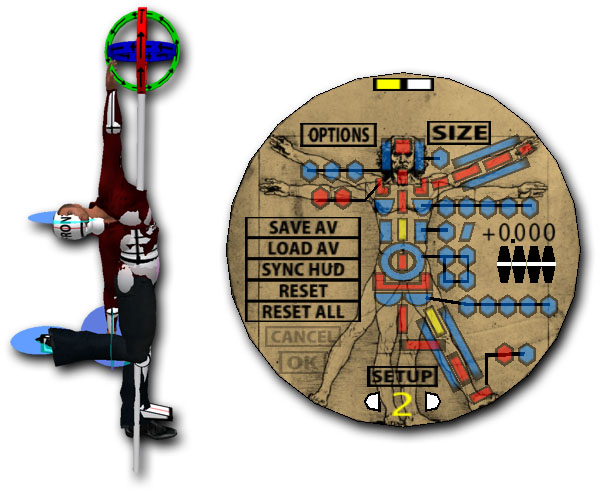
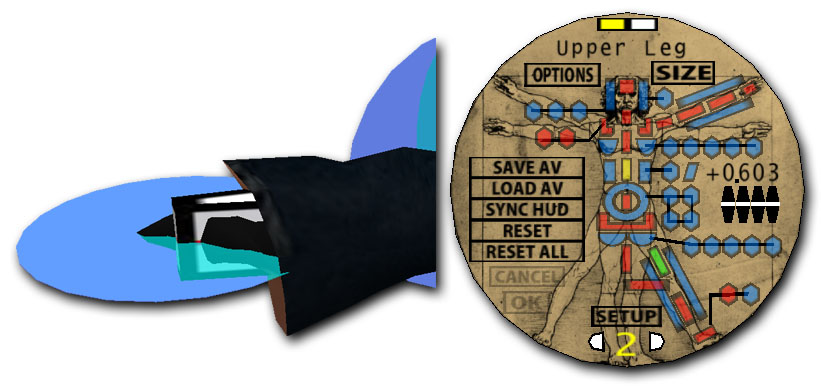
SIZE/SHAPE >> SETUP 2
NEXT |
|||||||||||||||||||||||||||||||||||||||||||||||||||||||||||||||||||||||||

|
©Copyright 2011 U-Poser. All rights reserved. No part of this document may be reproduced without permission of U-Poser creator. Second Life, SL, and inSL are trademarks of Linden Research, Inc. U-Poser is not affiliated with or sponsored by Linden Research. Mac and Mac OS are trademarks of Apple Inc., registered in the U.S. and other countries. Windows is a registered trademark of Microsoft Corporation in the United States and other countries. All products are trademarks of their respective companies. Specifications subject to change without notice. |

|